

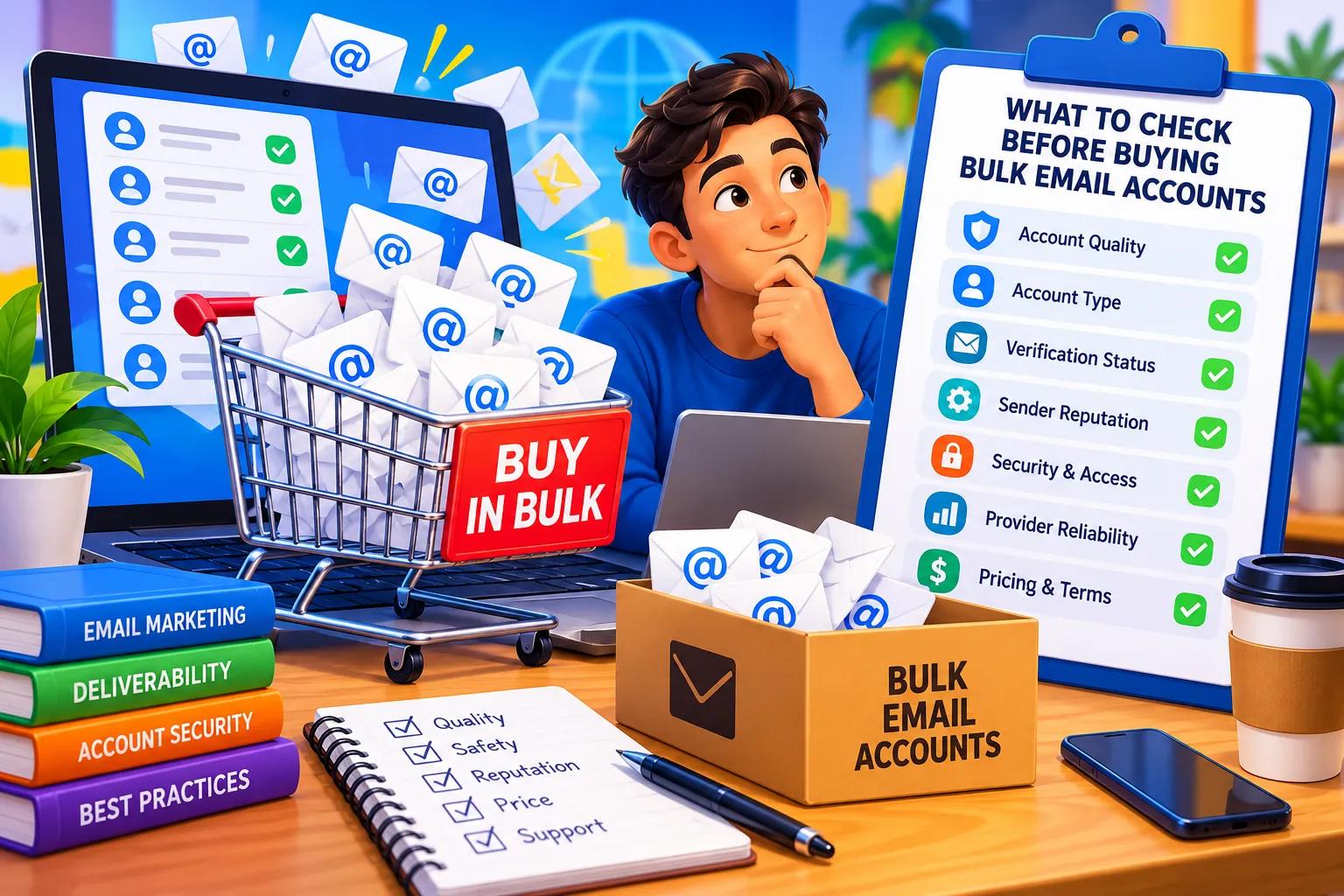
Buying a single email account and purchasing dozens or hundreds of mailboxes are two very different tasks. At a larger scale, even a small quality issue can become a serious operational problem. Missing recovery information, inconsistent account details, poor security, or unclear ownership conditions can affect an entire batch rather than just one mailbox.
When evaluating bulk email accounts, the main mistake is to focus only on the number of addresses and the price per unit. A better approach is to assess the complete offer: account type, provider, access conditions, security, domain configuration, history, replacement policy, and suitability for the intended legitimate purpose. The larger the purchase, the more important consistency and verifiable information become.
Why Volume Changes the Buying Decision
A small purchase can sometimes be evaluated manually, account by account. With a large order, this approach becomes inefficient. You need a repeatable method that allows you to identify problems before they affect dozens of accounts.
Quantity Does Not Equal Quality
A seller may advertise a large inventory at an attractive price, but quantity tells you very little about the actual condition of the mailboxes.
Before considering a large purchase, determine:
how the accounts were created;
which providers are represented;
whether accounts are individual or domain-based;
what access information is included;
whether recovery options are available;
whether account details are consistent;
what verification has actually been completed;
whether there is a replacement or warranty policy.
A large batch is valuable only when its individual components meet the requirements of your project.
For example, receiving 500 addresses is not necessarily better than receiving 100 well-documented mailboxes if most of the larger batch cannot be properly secured or managed.
Define Your Requirements First
Before you buy email accounts, write down the characteristics that are genuinely necessary. This prevents you from paying extra for features that do not contribute to your workflow.
Your checklist might include:
preferred email provider;
required number of mailboxes;
storage requirements;
recovery options;
security requirements;
domain requirements;
administrative access;
support availability;
acceptable price range.
Having these criteria in advance also makes it easier to compare several sellers objectively.
Check the Provider and Account Type
Not all email accounts work in the same way. Consumer mailboxes, business accounts, and custom-domain addresses can have very different administration and security features.
Consumer vs. Business Mailboxes
A consumer mailbox may be appropriate for personal communication or certain testing scenarios. A business mailbox can offer additional administrative controls, domain management, organizational policies, and security features.
If an offer combines several account types, make sure you understand exactly what you are receiving.
Pay attention to:
provider name;
domain ownership;
administrative controls;
storage limits;
authentication options;
recovery mechanisms;
account management policies.
Do not assume that a familiar provider automatically makes an account suitable for every purpose.
Be Careful With “Verified” Claims
The phrase “verified email account” can sound reassuring, but it needs clarification. Verification may refer to a specific confirmation step rather than the overall quality or reliability of the mailbox.
When comparing verified email accounts for sale, ask what “verified” actually means.
For example, it could refer to:
confirmation of a recovery address;
phone verification;
successful registration;
identity or security checks;
another provider-specific verification process.
Verification is a characteristic, not a complete quality score.
A verified mailbox can still have unclear history, weak recovery options, or restrictions that make it unsuitable for your particular needs.
Evaluate Access and Security
When purchasing multiple mailboxes, access management becomes one of the most important considerations. Losing control of one account is inconvenient; losing access to an entire batch can disrupt an entire workflow.
What Should Be Included?
Before paying, determine exactly what credentials and management information are provided.
Depending on the account type, you may need to understand whether you receive access to:
the primary mailbox;
password management;
recovery settings;
two-factor authentication;
connected devices;
active sessions;
account security notifications;
relevant administrative controls.
A seller should be clear about what can and cannot be changed after the transaction.
If the recovery information belongs to someone else and cannot be updated through legitimate provider procedures, the account may represent a long-term security problem.
Look for Consistency Across the Batch
For volume purchases, consistency is particularly important. Imagine receiving 200 mailboxes where each account has a different provider, recovery process, configuration, and set of restrictions. Managing them could become more expensive than the original purchase.
A better batch should have predictable characteristics.
Check whether:
the same account format is used;
provider information is consistent;
credentials are clearly organized;
recovery procedures are documented;
account details match the listing;
support applies to the entire order.
Operational consistency can be more valuable than a small difference in purchase price.
Check Domain and Authentication Requirements
If your project involves sending legitimate business or subscription email, the underlying sending infrastructure matters just as much as the mailbox itself.
Google's current sender guidelines require authentication for mail sent to Gmail accounts, with bulk senders required to use SPF, DKIM, and DMARC. Google also recommends monitoring sender performance and maintaining low spam rates.
SPF, DKIM, and DMARC
These three technologies address different aspects of email authentication.
SPF identifies authorized sending sources for a domain.
DKIM adds a cryptographic signature that receiving systems can verify.
DMARC builds on authentication and defines how receiving systems should handle messages that fail authentication.
For legitimate bulk sending, these settings should be planned at the domain and infrastructure level rather than treated as a feature of an individual mailbox.
Google specifically states that bulk senders need SPF, DKIM, and DMARC, while also requiring appropriate DNS and transport configuration.
For a detailed reference, consult Google's official Email sender guidelines.
Reputation Is Not Included Automatically
Buying a large number of accounts does not automatically give you good email deliverability.
Receiving providers evaluate many signals, including:
authentication;
domain reputation;
IP reputation;
spam complaints;
recipient engagement;
sending patterns;
message content.
Google recommends using Postmaster Tools to monitor delivery errors, spam reports, authentication, and other indicators for eligible traffic.
This is why claims such as “guaranteed inbox placement” should be treated cautiously.
Compare Seller Policies Before Comparing Prices
Price is important, but it should not be the first and only criterion. A low-cost offer can become expensive if a significant percentage of the batch needs to be replaced.
Examine the Warranty
When comparing email accounts wholesale offers, look for clearly defined conditions.
Ask:
How long is the replacement period?
What qualifies as a defective account?
Is the entire batch covered?
How quickly are replacements provided?
Does the seller offer technical support?
Are refunds available in specific situations?
A clear policy is easier to evaluate than a vague promise that the accounts are “high quality.”
Calculate the Real Cost
Suppose one offer costs slightly more but includes better documentation, clearer access conditions, and a meaningful replacement policy. Another is cheaper but provides limited support.
The second offer may look better at first glance, but the real cost can be higher if many accounts require troubleshooting.
Consider the total cost of ownership, including:
purchase price;
replacement costs;
administration;
verification;
security management;
technical support;
time spent resolving access problems.
Organize a Batch Before Putting It Into Use
After receiving a legitimate batch, organization is essential. Do not treat hundreds of addresses as one undifferentiated list.
Create a Structured Inventory
Maintain an internal record containing relevant non-sensitive information such as:
account identifier;
provider;
account type;
domain;
purchase date;
support status;
replacement deadline;
configuration notes.
Avoid storing passwords or authentication secrets in unsecured spreadsheets or ordinary text files. Use an appropriate password manager or security system for credentials.
Use Bulk Mailboxes Responsibly
Buying multiple accounts does not remove the responsibility to follow provider rules or applicable laws. If the accounts are used for commercial or subscription email, recipients should have a legitimate reason to receive the messages.
Google recommends obtaining recipient consent, respecting unsubscribe requests, avoiding deceptive content, and following applicable spam regulations.
For high-volume sending, Google also states that senders classified as bulk senders must meet specific authentication and delivery requirements.
This means a successful setup is not simply about acquiring more addresses. Good email operations combine appropriate infrastructure, responsible sending practices, security, and continuous monitoring.
Final Checklist Before Buying in Volume
Before committing to a large order, review the offer against a standardized checklist.
Quick Evaluation
Ask yourself:
Do I know exactly what type of accounts I am receiving?
Is the provider clearly identified?
Are access and recovery conditions documented?
What does “verified” actually mean?
Are the accounts consistent across the batch?
Is there a clear replacement policy?
Can the accounts be secured properly?
Does the setup support my legitimate use case?
Are domain authentication requirements understood?
Can I monitor delivery and account performance where appropriate?
If several answers remain unclear, it is worth investigating further before making a large purchase.
Final Thoughts
Buying mailboxes in volume requires a different mindset from purchasing a single account. The goal is not to maximize the number of addresses but to obtain a predictable, manageable, and appropriately configured set of mailboxes.
Whether you are comparing bulk email accounts, looking to buy mailbox accounts, or evaluating a large email accounts wholesale offer, use the same principles: verify the provider, understand exactly what access is included, question vague verification claims, review security options, examine seller policies, and test a sample before scaling.
Most importantly, do not confuse quantity with quality. A large collection of poorly documented accounts can create administrative and security headaches, while a smaller, consistently configured batch may be significantly more useful.
A careful evaluation process protects your budget, reduces operational surprises, and helps ensure that the accounts you acquire actually match your legitimate requirements. The best volume purchase is one where every important characteristic can be explained, checked, and managed before the full batch becomes part of your workflow.